Ray texture: Difference between revisions
No edit summary |
No edit summary |
||
| Line 24: | Line 24: | ||
Image:Ray_texture_5.png|Ray Texture 5 (Fiber) | Image:Ray_texture_5.png|Ray Texture 5 (Fiber) | ||
</gallery> | </gallery> | ||
[[Category:Settings|Ray Texture]] | |||
Revision as of 04:07, 15 November 2007
Overview
ray_texture sets what texture PyMol applies to the surface of your object during ray tracing. Options now consist of
- None
- Matte 1
- Matte 2
- Swirl 1
- Swirl 2
- Fiber
Usage
set ray_texture, X # where X=[0,5]
Examples
The thumbnails are most likely too small to see the detail. Please click on each image to see a close up.
-
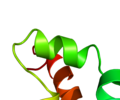 Ray Texture 0 (None)
 -
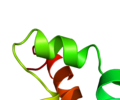 Ray Texture 1 (Matte 1)
 -
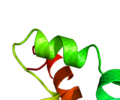 Ray Texture 2 (Matte 2)
 -
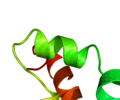 Ray Texture 3 (Swirl1)
 -
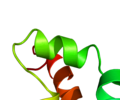 Ray Texture 4 (Swirl 2)
 -
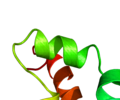 Ray Texture 5 (Fiber)


