Antialias
Overview
The antialias setting in pymol controls the level of antialiasing that pymol does in the ray-tracing routine. Higher numbers take longer to ray trace but provide much smoother and better looking images.
Examples
Notice the overall quality of the images improves as the antialiasing setting is increased. Click each image to see the high-resolution version; the small image doesn't show the differences in AA settings so well.
-
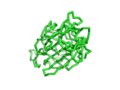 AA set to 0
 -
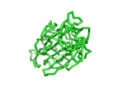 AA set to 1
 -
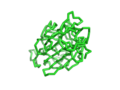 AA set to 2


Syntax
set antialias,0  # low setting/off
set antialias,2  # higher setting, better image quality