Stick transparency: Difference between revisions
mNo edit summary |
No edit summary |
||
| Line 23: | Line 23: | ||
Image:Stick_trans_50-multi.png|sticks with 0.5 transparency and multilayer transparency | Image:Stick_trans_50-multi.png|sticks with 0.5 transparency and multilayer transparency | ||
</gallery> | </gallery> | ||
[[Category:Settings|Stick transparency]] | |||
Revision as of 21:19, 2 November 2007
Overview
The setting "stick_transparency" allows one to set the degree of transparency for stick objects, independent of all other objects. Allowable values range from 0 (fully opaque) to 1 (fully transparent, i.e. invisible).
Settings
set stick_transparency, 0.50 # Makes sticks 50-percent transparent
Examples
Open the images to actually see the details!
-
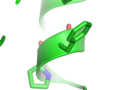 sticks with no transparency
 -
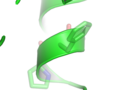 sticks with 0.5 transparency
 -
 sticks with 0.9 transparency


Note
Stick transparency works best with "unilayer" transparency (Setting menu > transparency > Unilayer) rather than "multilayer", which leads to odd artifacts where the sticks join.
-
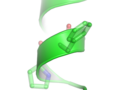 sticks with 0.5 transparency and multilayer transparency
