Ribbon sampling: Difference between revisions
No edit summary |
No edit summary |
||
| Line 15: | Line 15: | ||
Image:Ribbon_30.png|ribbon sampling 30 | Image:Ribbon_30.png|ribbon sampling 30 | ||
</gallery> | </gallery> | ||
[[Category:Settings|Ribbon Sampling]] | |||
Revision as of 20:59, 2 November 2007
Overview
This setting changes the number of segments that makes up a given length of ribbon. The default value is ten; larger values (more segments) provide a smoother curve while requiring greater amounts of memory and slowing performance.
Settings
set ribbon_sampling, 20 # increases the number of ribbon segments
Examples
Open the images to actually see the details!
-
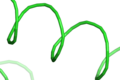 ribbon sampling 5
 -
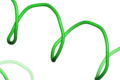 ribbon sampling 10 (default)
 -
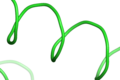 ribbon sampling 20
 -
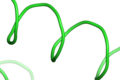 ribbon sampling 30


